One referral record carries the case from the referring office to the specialist and back. Here is what happens at each stage, and who sees what.
Send. The case, complete.
The referring office picks the specialist practice and fills in one referral: the patient, the tooth or area, the reason for referral and clinical notes, medical alerts and current medications, and how urgent it is.
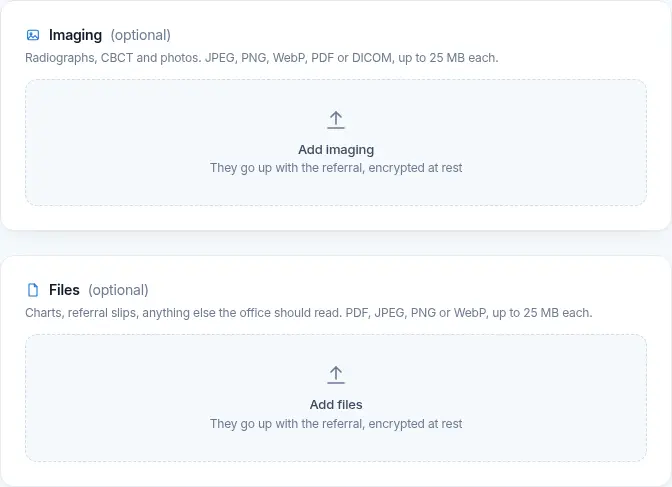
Radiographs, CBCT, photos, PDF and DICOM files upload with the referral, up to 25 MB each.
A missing-radiograph note shows on the form before the referral goes, so the office can add the films first.
The specialist practice can add its own specialty questions; they appear on the form for that practice.
Patient identifiers, notes and every uploaded file are encrypted at rest with AES-256.
New referralReferring office
Detail · imaging upload
Illustrative case data · privacy mode on
Triage. Urgency first.
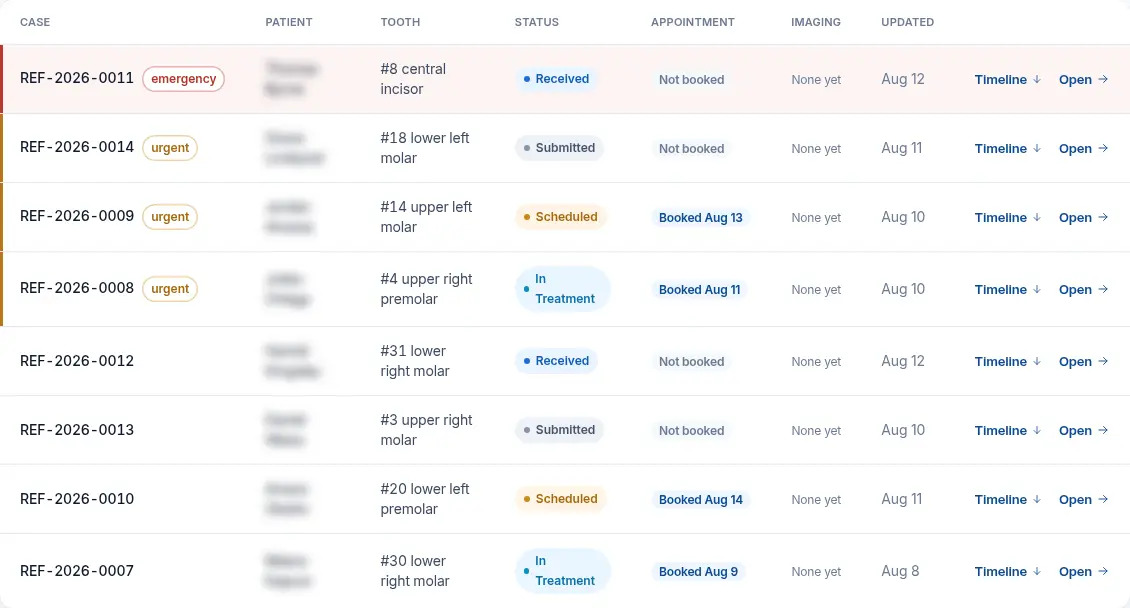
The specialist practice works from one incoming queue, ordered by urgency and then by how recently the case arrived. An emergency sits at the top the moment it is sent.
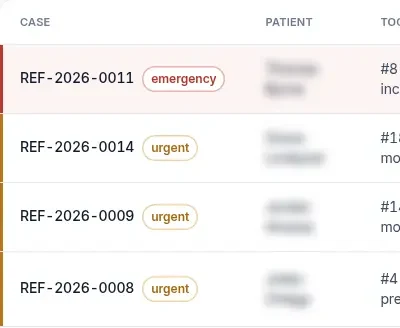
Routine, urgent or emergency is set on the referral and stays visible in the queue.
Filter the queue by urgency or by imaging, and search by patient or case number.
Accept a case into the queue, or decline it and the patient is referred back to their dentist.
Privacy mode blurs patient names on screens in shared spaces.
Incoming referralsSorted by urgency
Detail · priority
Illustrative case data · privacy mode on
Track. One status, everyone.
Every change of stage is written to the case timeline that both offices read. The patient follows the same status with a tracking code, in plain words and without personal details.
The same status, two viewsOffice · Patient
Each referral status as the offices see it and as the patient sees it on the tracking page
Offices see
The patient sees
Submitted
Referral sent
Received
Specialist received it
Scheduled
Appointment booked
In treatment
Treatment under way
Completed
Treatment complete
Scheduling adds the appointment date to the case, and the patient sees it too.
The two offices can message each other on the case itself.
When treatment is done, the specialist writes the final case report and completes the case. The report goes back to the referring office on the same record, next to the imaging it started with.
Final case reportSample text
Referral ER-2481 · Tooth 19
Report text, sent back to the referring office
Completed
Retreatment completed in two visits. Post-op radiograph attached. Please place the final restoration at your office.
PA 19 pre-opPA 19 post-opReport PDF
Patient prompted to book follow-up with their own dentist
Case report documents can be attached to the case.
The patient's tracking page shows treatment complete and points them back to their own dentist.
Specialist practices see their referral volume, pipeline by stage and turnaround in practice reports.
See a case travel in your practice.
eReferral is in pilot. Ask for access, or sign in if your practice already has an account.