
Status at a glanceYour sent cases list
Each case moves through five stages, from submitted to completed. The appointment date appears as soon as the specialist books it.
ER-2481Tooth 19 · A. PatientScheduledThu 9:30 am
For general dental practices and their front desks. One referral carries the patient, the films and the urgency to the specialist, and the completion report comes back to the same record. Invited by your specialist? Open their link to send the first case.
On eReferral it is one line in your sent list: received, scheduled, in treatment or completed, with the appointment date the moment the specialist books it. Questions stay on the case, and the report comes back to it.
Each case moves through five stages, from submitted to completed. The appointment date appears as soon as the specialist books it.
Messages between your office and the specialist's sit on the case they are about, with unread ones flagged in your list.
When treatment is done, the completion report and any report documents land on the same record.
Privacy mode blurs patient names on the front desk screen, so the list can stay open in a shared space.
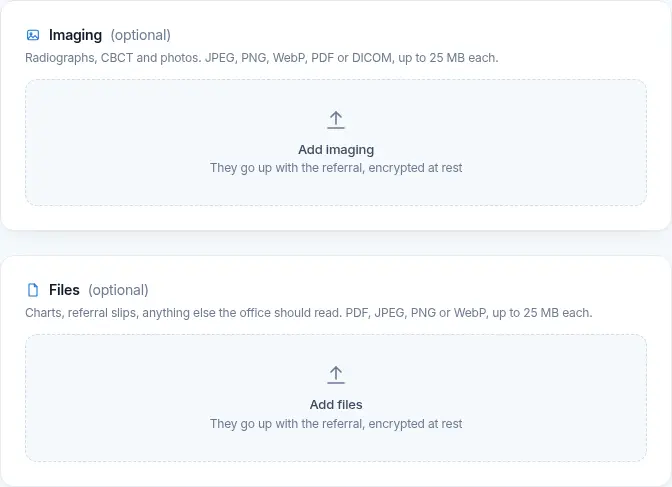
Choose the specialist office, and its form fills in the rest: the specialty questions that practice wants answered, the medical history fields and the imaging upload.
Every case has a patient tracking code. Hand it to the patient and they can follow the referral on the patient tracking page, with no account and no personal details shown.
7C42 A0E9 51D3 …eReferral is in pilot. If your specialist already uses it, ask them for an invite link; otherwise request access for your practice.